
Deno Desktop
From the Desktop apps section of the Deno documentation:
deno desktopturns a Deno project (anything from a single TypeScript file to a Next.js app) into a self-contained desktop application. The output is a redistributable binary that bundles your code, the Deno runtime, and a web rendering engine into one bundle per platform.
I'm happy to see another attempt at solving the biggest issues with Electron apps (other notable attempts being Tauri, Electrobun, and Neutralinojs).
According to the docs, Deno Desktop is only available in Deno's canary channel at the moment. So I obviously installed it (version 2.8.3+893d85b) and tried running a Hello World example app.
On first run, Deno spent a few minutes downloading laufey-cef-aarch64-apple-darwin.tar.gz, then packaged the example into an app bundle weighing 308.8MB.
I was curious about that download. A quick Kagi search led me to the homepage for a Rust/C library called laufey, which appears to be the tech underpinning Deno Desktop.
Running the app bundle popped open a window that looked like this:
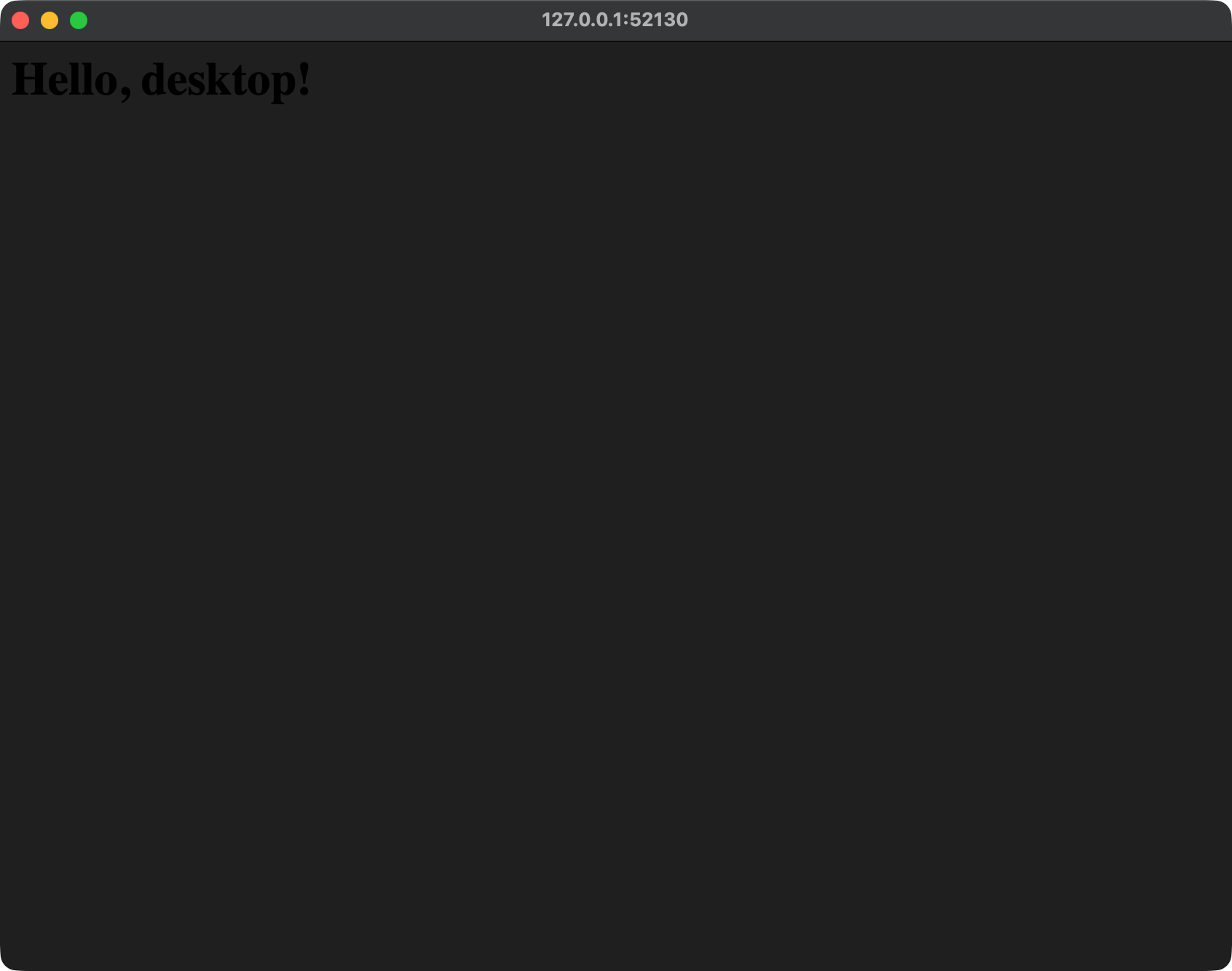
This is clearly a work in progress. If somebody who works on Deno is reading this, here's a list of bugs I noticed:
- The app window had a dark background by default, even though the demo app didn't contain any styles. Browsers don't default to a dark background unless you explicitly opt in using
<meta name="color-scheme" content="light dark">. Even so, opting into dark mode inverts all the default colors, not just the page background. Something is off here. - Running the bundle triggered a macOS permissions dialog for
laufey Helper (Alerts)andhello-deno-desktop, both of them asking for notification permissions. The demo app didn't use the notifications API (it didn't even contain any JavaScript), so seeing two permission dialogs felt aggressive. - Hitting
Cmd + Qdidn't quit the app. - The app always opened on the top left of the screen.
Deno uses Chromium as the default webview (via Chromium Embedded Framework). But you can also use the system webview instead:
$ deno desktop --backend webview main.ts
When I ran that command, it downloaded laufey-webview-aarch64-apple-darwin.tar.gz and produced a much slimmer app bundle at 68.5MB. This is what the window looked like:
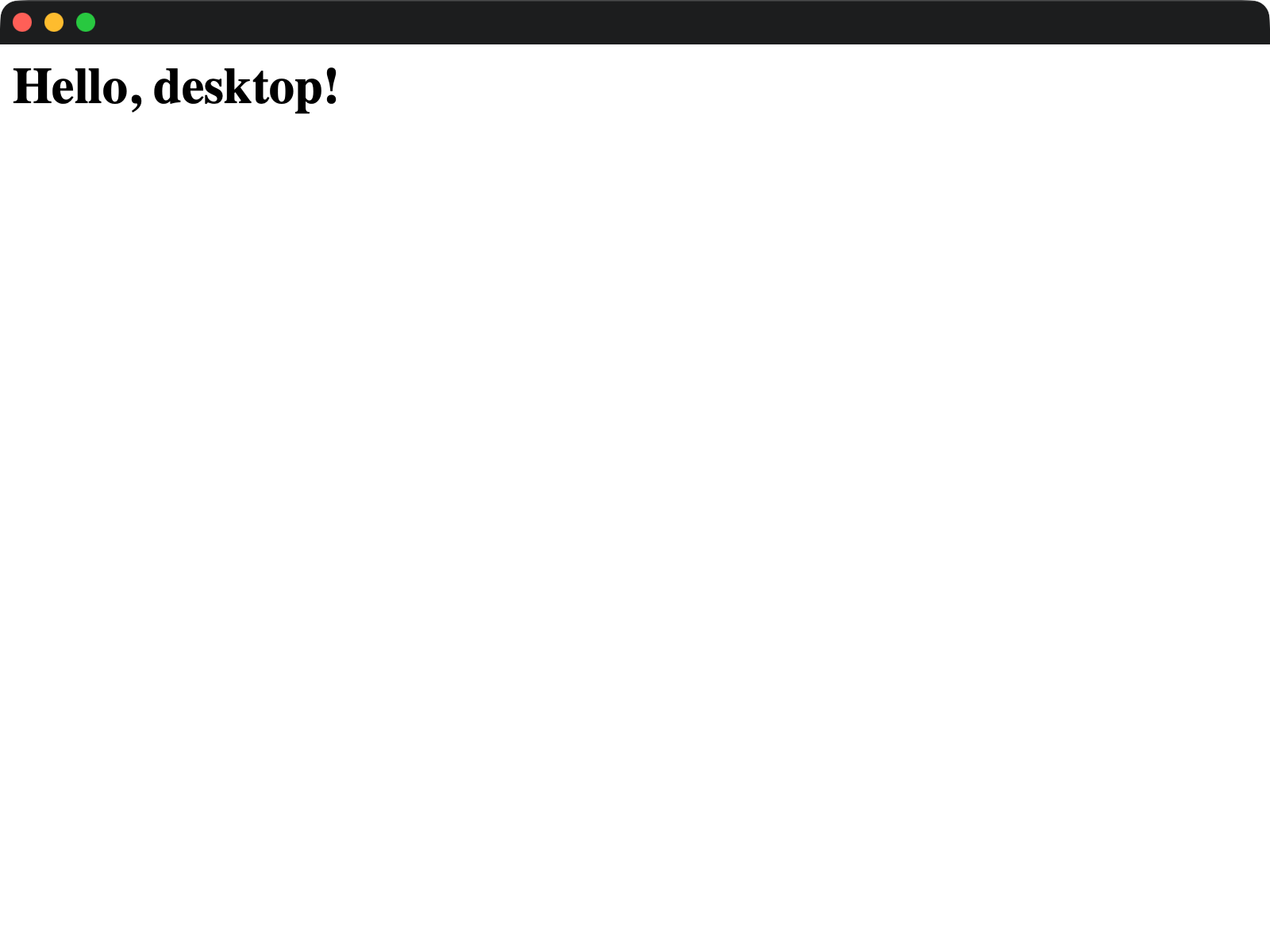
This version of the app exhibited none of the bugs I noticed in the CEF version, except it doesn't have a title.
Deno Desktop also has a raw backend that skips bundling the webview altogether. I didn't try it, but here's what the docs say:
No web engine. Provides window management, input events, clipboard, and the native API surface, but no webview, no
Deno.serve()auto-binding, and nobindings.<name>()proxy.Useful for apps that draw their own UI (WebGPU, Skia, custom rendering) or as a foundation for non-web desktop programs. The
rawbackend is selected through thedesktop.backendfield indeno.json; the--backendflag accepts onlycefandwebview.
A major difference between Deno Desktop and its competition is how it communicates between the code running in the webview and the code running in the Deno runtime:
Bindings are not IPC. The Deno runtime and the rendering backend run as threads / processes inside the same address space (CEF) or coordinated process group (WebView). Calls go through in-process channels, and the backend dispatches them from its run loop.
This avoids the cross-process round-trip that socket-based IPC frameworks (Electron's ipcMain / ipcRenderer, Tauri's invoke) impose. Arguments and results are still encoded as they cross the realm boundary, but the transport is in-process: no socket, no cross-process scheduling.
In practical terms: bindings are fast enough that you do not need to worry about call frequency for typical app workloads.
The docs are light on how they pull this off. I'd love to read more about this.
There's a built-in auto-update mechanism, including rollbacks if updates fail:
Deno.autoUpdate() polls a release server for new versions, downloads binary-diff patches, applies them to the runtime dylib, and stages the result for the next launch. If the next launch fails, the runtime rolls back to the previous version automatically. Updates ship as small bsdiff patches instead of full binary downloads, with rollback baked into the launcher.
The comparison page has this bullet-point under the section titled "What deno desktop doesn't have yet":
Shared CEF runtime across apps. Every app currently bundles its own CEF copy. A managed shared runtime would drop binary sizes to a few MB per app. On the roadmap.
Does this mean all Deno apps on my computer could potentially share a single CEF runtime? If yes, that would mean massive disk space savings. But it's unclear if the developers intend to ship this feature in a future release or if it's just a wishlist item that may or may not see the light of day.
Deno Desktop is, of course, heavily under development. Some important features are still missing (platform native file dialogs), and it's not clear if others are on the roadmap or not (mobile support). I'm sure many of the missing features will make their way into the final release, and we'll get a clearer idea of future plans in a release announcement.
I have a personal interest in anything that aims to replace Electron, so I'll be keeping an eye out for Deno 2.9.